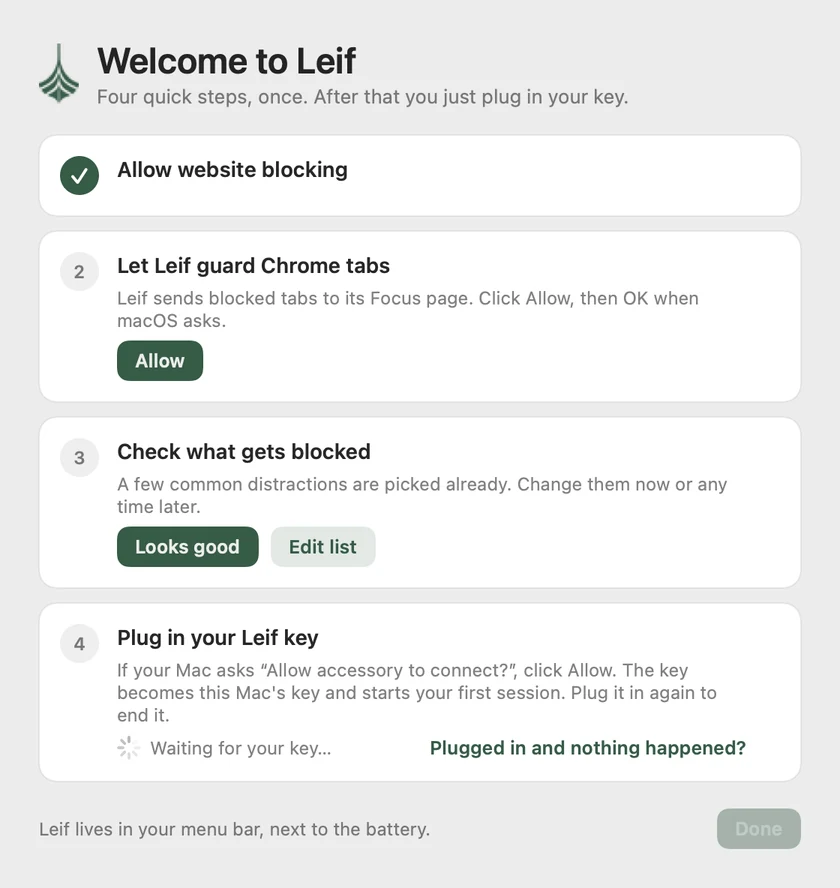
About five minutes, once. You only do this on a new Mac. After that it's just: plug in to focus, plug in again to stop.
Step 1 of 7
Step 2 of 7
Opened it straight from the download? Leif offers to move itself: click Move to Applications and it reopens from there.
Step 3 of 7
This is the one fiddly step. macOS makes you switch on anything that can block websites yourself, which is a good thing.
On macOS 13 Ventura or 14 Sonoma it's in a different place: open System Settings → Privacy & Security, scroll down, and click Allow next to the message about Leif.
Step 4 of 7
If you use Chrome, Leif swaps any blocked tab that's already open for its Focus page, so nothing stays on screen.
No Chrome? Leif skips this step by itself. Safari and other browsers are blocked by the filter from step 3.
Step 5 of 7
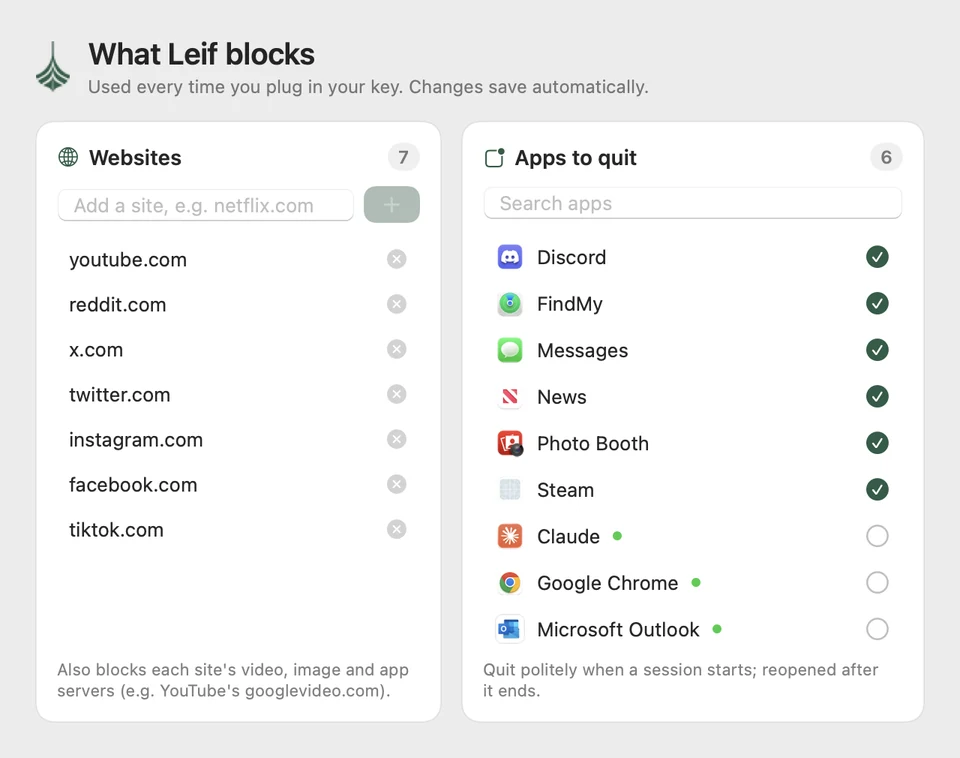
Leif starts with the usual suspects: YouTube, Reddit, X, Instagram, Facebook and TikTok.
You can change the list any time from Leif's menu, except during a session. That's the point.
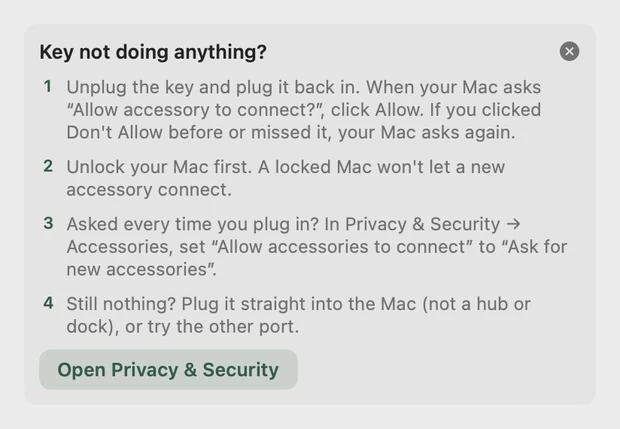
Step 6 of 7
Nothing happened? Unplug it and plug it back in, and look for the Allow prompt. Plug it straight into the Mac rather than a hub or dock. Still stuck? Email [email protected].
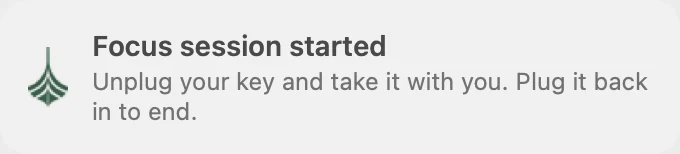
Step 7 of 7
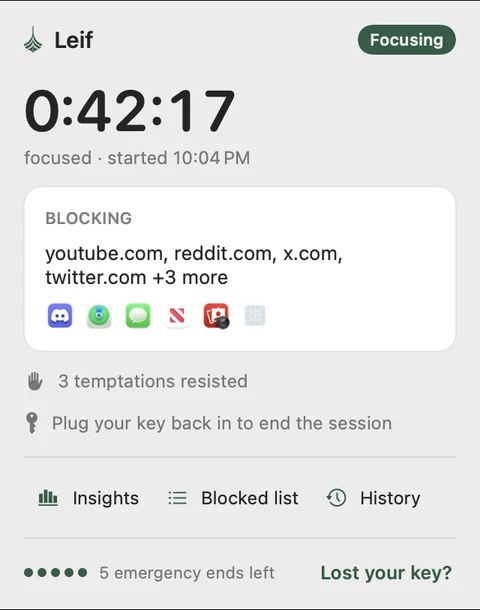
Click the leaf in your menu bar any time to see the timer, how many times you were tempted, and your Insights.
Lost your key mid-session? Leif gives you five emergency ends. Find them under Lost your key? in the menu.
Apple checked it for malicious software and none was detected.

Allowing control will provide access to documents and data in “Google Chrome”, and to perform actions within that app.